

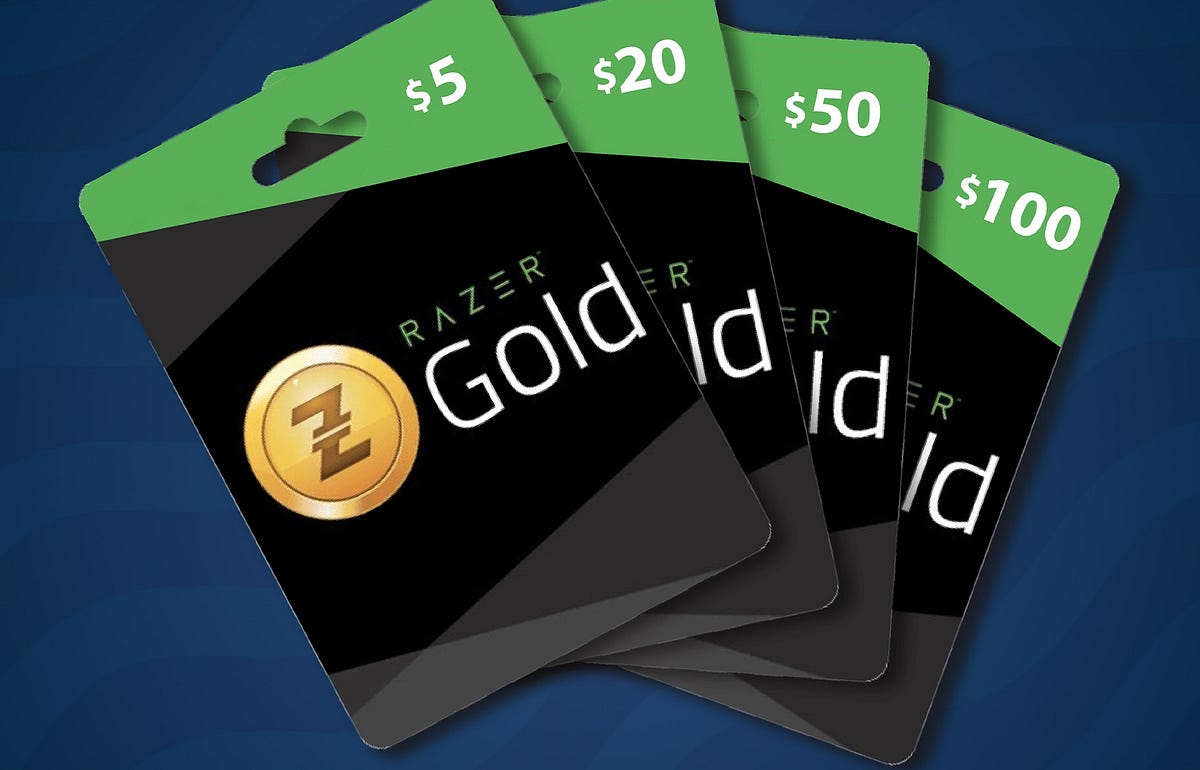
Razer Gold gift cards are a convenient way for gamers to top up their Razer Gold wallets and pay for games or in-game content across thousands of titles. At the same time, the cards are quite popular, making them a reliable way to earn money through trading.
But sometimes, users run into errors that prevent them from redeeming their cards successfully. So, let’s look at some of the most common Razer Gold gift card errors, why they happen, and step-by-step solutions to fix them.
Understanding Common Razer Gold Gift Card Errors
“Invalid PIN” Error
This is probably the most common error type for Razer Gold gift cards. It essentially means the system doesn’t recognize the PIN entered during redemption. It could be caused by several factors, including:
- A typo or incorrect PIN
- A scratched or damaged card
- Using the wrong region or website
- An expired or inactive gift card
To fix it, you can try the following:
- Re-enter the PIN carefully.
- Confirm you’re redeeming on the correct regional Razer Gold site.
- Ensure the card is still valid.
- If the PIN was damaged or isn’t legible, contact Razer Gold Support. Attach a photo of the card and proof of your purchase, and they’ll help rectify the issue.
“PIN Already Redeemed” Error
Simply put, this error means the gift card has already been used. You could have redeemed it unknowingly, or it could have been compromised before you bought it.
To fix it, check your Razer Gold transaction history to confirm whether you already redeemed it. If not, you can also contact Razer support to get more clarity.
Remember to always buy Razer Gold gift cards from verified merchants to avoid used or fake cards.
“Region Restricted” or “Product Not Available in Your Region”
This error means that your gift card cannot be redeemed in your country. Maybe you redeemed a card gotten from another region, or you ran into a region-specific restriction for your top-up channel.
Sometimes, even using a VPN while redeeming your card can cause this error. So, to fix it:
- Make sure your card matches your country/region.
- Turn off any VPNs before redemption.
- If you mistakenly bought a foreign-region card, contact the retailer for a possible exchange.
“Transaction Failed” During Redemption
If the redemption attempt could not be completed, you’ll get this error message. It could be caused by a poor internet connection, a temporary downtime with Razer Gold’s servers, or even issues with your device or browser.
To fix this error:
- Refresh your connection or restart your device.
- Try redeeming through a different browser or device.
- Clear your browser cache and cookies.
- Wait a few minutes and retry—servers may be overloaded.
“Card Not Activated” Error
This error message means that the retailer didn’t activate the gift card at the point of sale. It could be caused by a system error during the purchase process, a delay in activation syncing, or an unprocessed activation.
You can address this error by:
- Returning to the retailer with your receipt.
- Requesting that they check the activation status.
- Asking them to activate or re-activate the card if needed.
How to Avoid Razer Gold Gift Card Issues in the Future
To ensure a smooth experience with Razer Gold cards, consider the following tips going forward:
- Only trade with authorized platforms like Exchanger101.
- Confirm region compatibility before paying.
- Keep your receipts—they are essential for resolving disputes.
- Protect your PIN until you redeem the card.
- Avoid sharing your card details with anyone.