

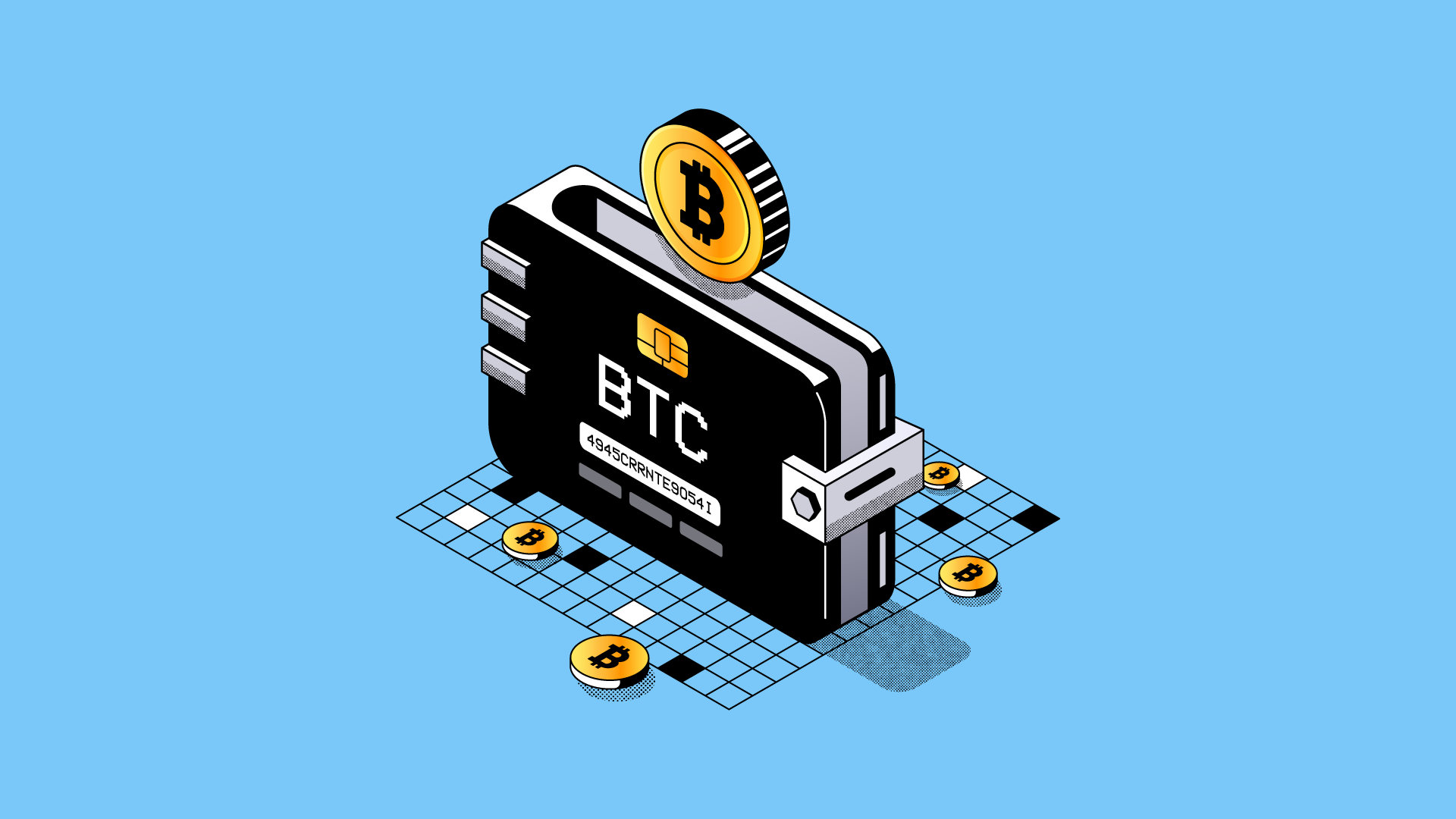
Whenever you’re learning about making a Bitcoin wallet, most people tell you something along the lines of:
Write down these 12 words. Keep them safe. Never lose them.
It might seem intimidating, but it’s quite important. With a self-custodial wallet, your seed phrase is the all-in-all. You lose it, and you pretty much lose access to your funds.
Here’s the thing, though: not every Bitcoin wallet actually requires you to manage a seed phrase yourself. When you have a custodial wallet, the platform managing it holds your private keys or seed phrase on your behalf. So, you never have to worry about losing it.
Exchanger101 is such a platform. We handle the responsibility for your Bitcoin wallet, so you can create a wallet automatically and use our platform to manage your coins.
Here’s how you can create a Bitcoin wallet, as well as how to manage it properly while we protect it.
How to Open a Bitcoin Wallet in Nigeria With Exchanger101
Creating a Bitcoin wallet with Exchanger101 takes just a few minutes. Here’s how to get it done:
- Download the Exchanger101 app from the Google Play Store or Apple App Store
- Open the app and sign up with your Email address and phone number.
- Complete the Know-Your-Customer (KYC) verification process
- Once your account is created, you automatically get a Bitcoin wallet address
Just like that, you now have a Bitcoin wallet that you can use to receive BTC.
How to Find and Share Your Bitcoin Wallet Address
If you know crypto, you’d know that your wallet works like your bank account. You send it to someone, and they can send BTC to it. To find your Bitcoin address on Exchanger101, all you have to do is:
- Log into your Exchanger101 account.
- Tap “Wallet” and select “Bitcoin”
- Tap “Receive,” and choose the network you’d prefer.
- Your wallet address will be shown on the next screen.
You can easily copy the wallet address and send it to whoever is looking to send you BTC. Alternatively, you could also display the QR code so the sender can scan it instead of manually typing the address.
Using a QR code can reduce the chance of someone mistyping your address. But, we still recommend you check the details before the transaction is initiated.
Four Bitcoin Scams You Should Know About
For beginners, the biggest security threat isn’t necessarily someone “hacking Bitcoin.”
More often, scammers try to convince you to voluntarily hand over the information they need to access your account or steal your crypto.
Here are some of the most common scams to watch out for.
1. Fake customer support
These days, social media scammers have become quite innovative. They’ll get a company’s logo, a convincing profile, and everything that looks legitimate. Then, they ask for your password, seed phrase, or other sensitive information so they can “fix” your account if you have an issue.
Don’t give it to them.
Exchanger101 will never ask you for your seed phrase or account password via social media. If you need any help, reach out to us using our in-app support, and we’ll be there to help you out.
2. Phishing websites
Phishing sites are designed to look like legitimate crypto platforms. They’re pretty much everywhere online right now, and once you send them your sensitive details, the attackers have won.
Always check the website address before logging in. It’s also a good idea to bookmark the official website once you’ve confirmed that you’re on the right one.
3. Fake crypto apps
Some scammers can also create fake versions of legitimate wallet and exchange apps. So, to be on the safe side, only download crypto apps from the official app stores.
4. “Double your Bitcoin” scams
This one is simple:
Someone promises to send you 2 BTC if you send them 1 BTC first. They can claim it’s a giveaway, a promo, or an investment opportunity.
Here’s the bottom line: if anyone asks you to send them crypto and get double, run. It’s a scam.
Ready to Receive Bitcoin?
If you’re looking for a straightforward way to get started, you can create a Bitcoin wallet with Exchanger101 in just a few minutes.
Your BTC wallet and address are generated after signup, so you can start receiving Bitcoin without having to manage a seed phrase yourself.
Set up your Exchanger101 account, complete your verification, and you’re ready to start using Bitcoin.